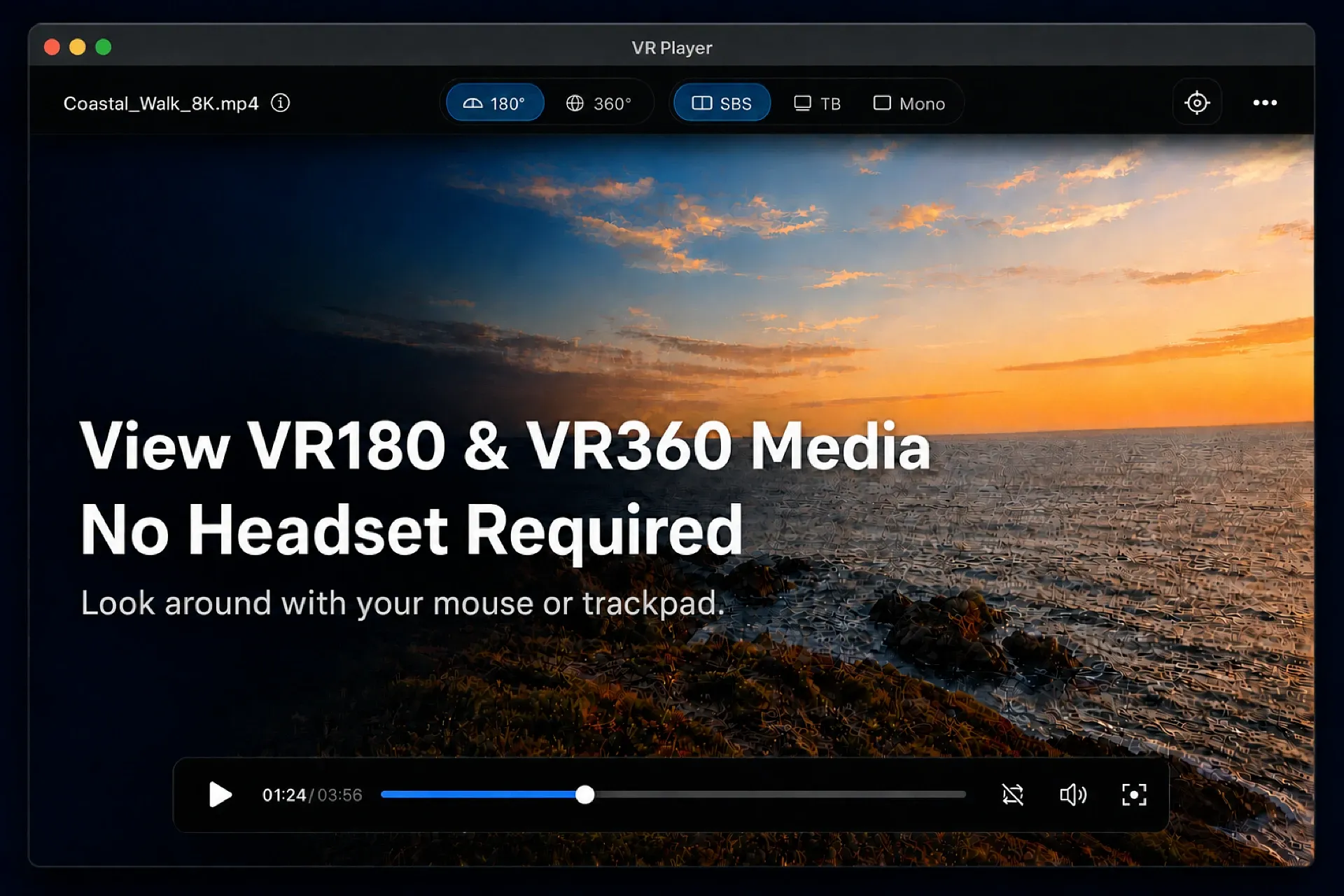
View VR180 and VR360 videos and images on your desktop without a headset. Load the media selected in Eagle and drag the view to look around.
Features
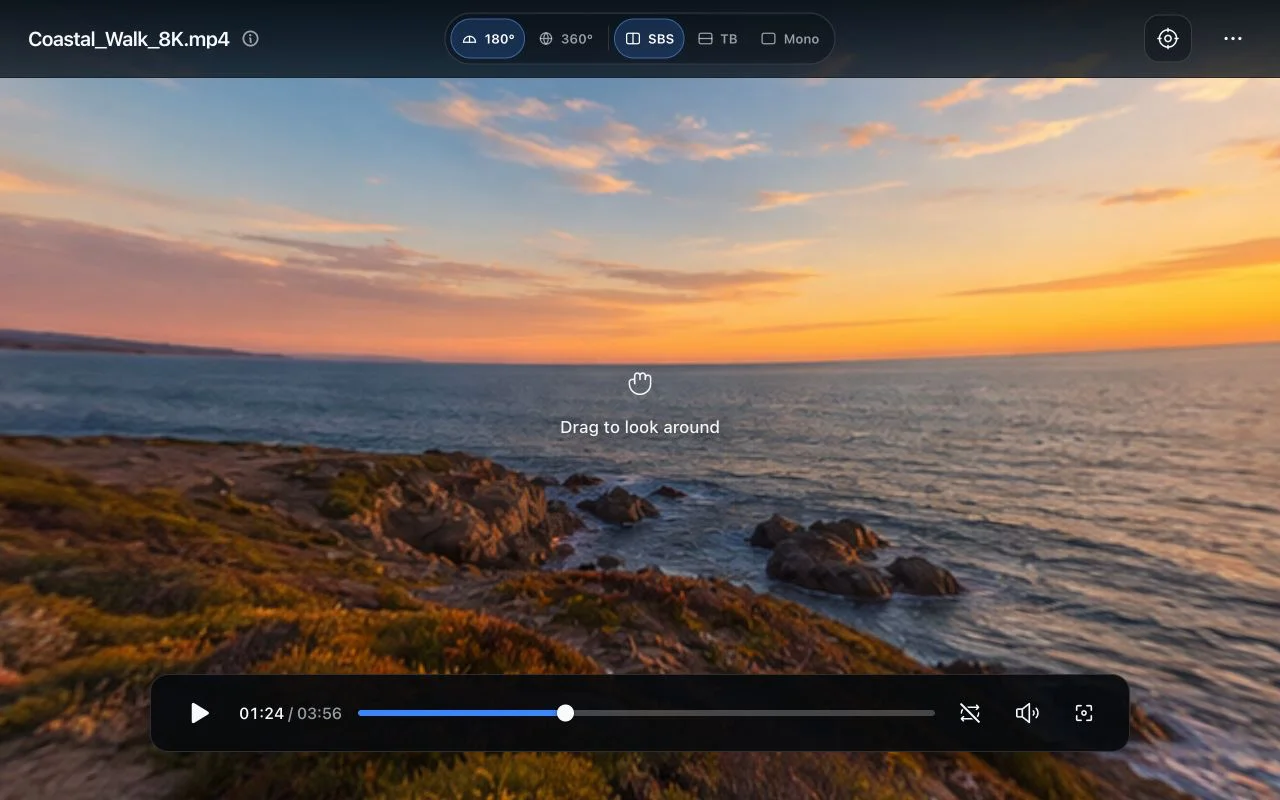
- VR180 and VR360 video and image preview
- Side-by-side (SBS), top/bottom (TB), and Mono layouts
- Opens the selected Eagle item or a dropped video or image
- Reads VR format tags and optionally writes them to connected Eagle items
- Drag-to-look, first-drag video playback, mouse-wheel zoom, and looping
- Focus mode and auto-hiding controls
Note
This player does not support stereoscopic rendering.
Controls
| Action | Control |
|---|---|
| Look around | Drag the video |
| Zoom | Mouse wheel |
| Play / Pause | Space |
| Mute / Unmute | M |
| Toggle loop playback | L |
| Reset view | R |
| Seek backward / forward | ← / → (5 seconds) |
| Enter focus mode | F |
| Exit focus mode | Esc |
VR Format Tags
VR Player reads these VR format tags from connected Eagle items:
vr:projection=VR180
vr:projection=VR360
vr:mode=SBS
vr:mode=TB
vr:mode=Mono
Write format tags is off by default and remembered between sessions. When enabled, VR Player immediately writes the current projection and layout to the connected Eagle item, then writes both again whenever another item connects or either setting changes. It replaces only vr:projection= and vr:mode= and preserves all other tags, including custom vr:* tags.
Note
Dropped files play locally. If a file's path exactly matches an item in the current Eagle library, VR Player connects it and can read or write its VR format tags. Otherwise, it remains unlinked.
- Fixed VR format tag writing so only vr:projection= and vr:mode= are updated, while all other Eagle item tags are preserved.
- Added drag-and-drop support for Eagle items in the current library, allowing their VR format tags to be loaded and saved.
You may also like