Metadata Inspector
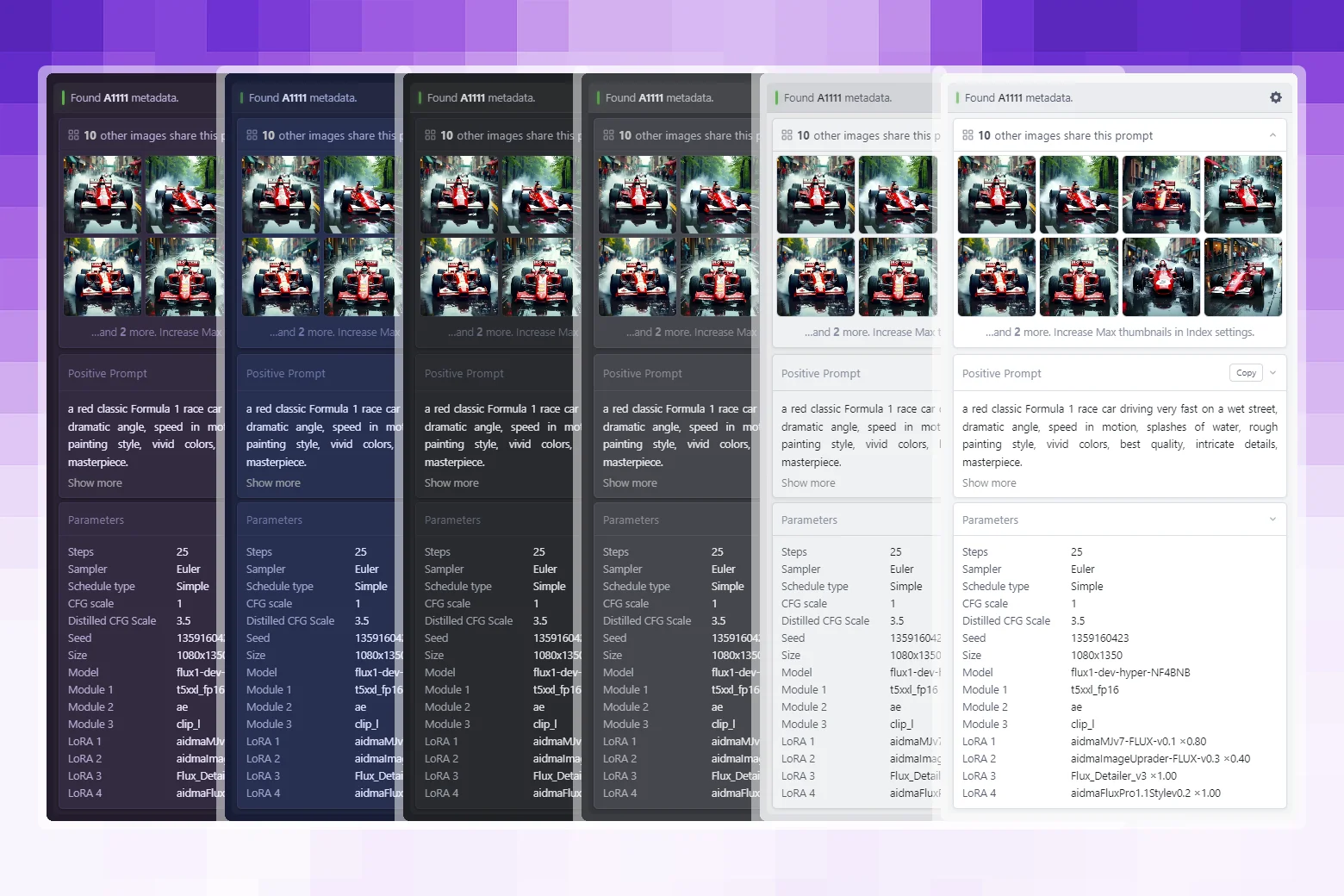
Displays embedded generation metadata - prompts, parameters, workflows - directly in Eagle's inspector panel. Supports Automatic1111, ComfyUI, NovelAI, and InvokeAI. Works fully offline. No external servers.
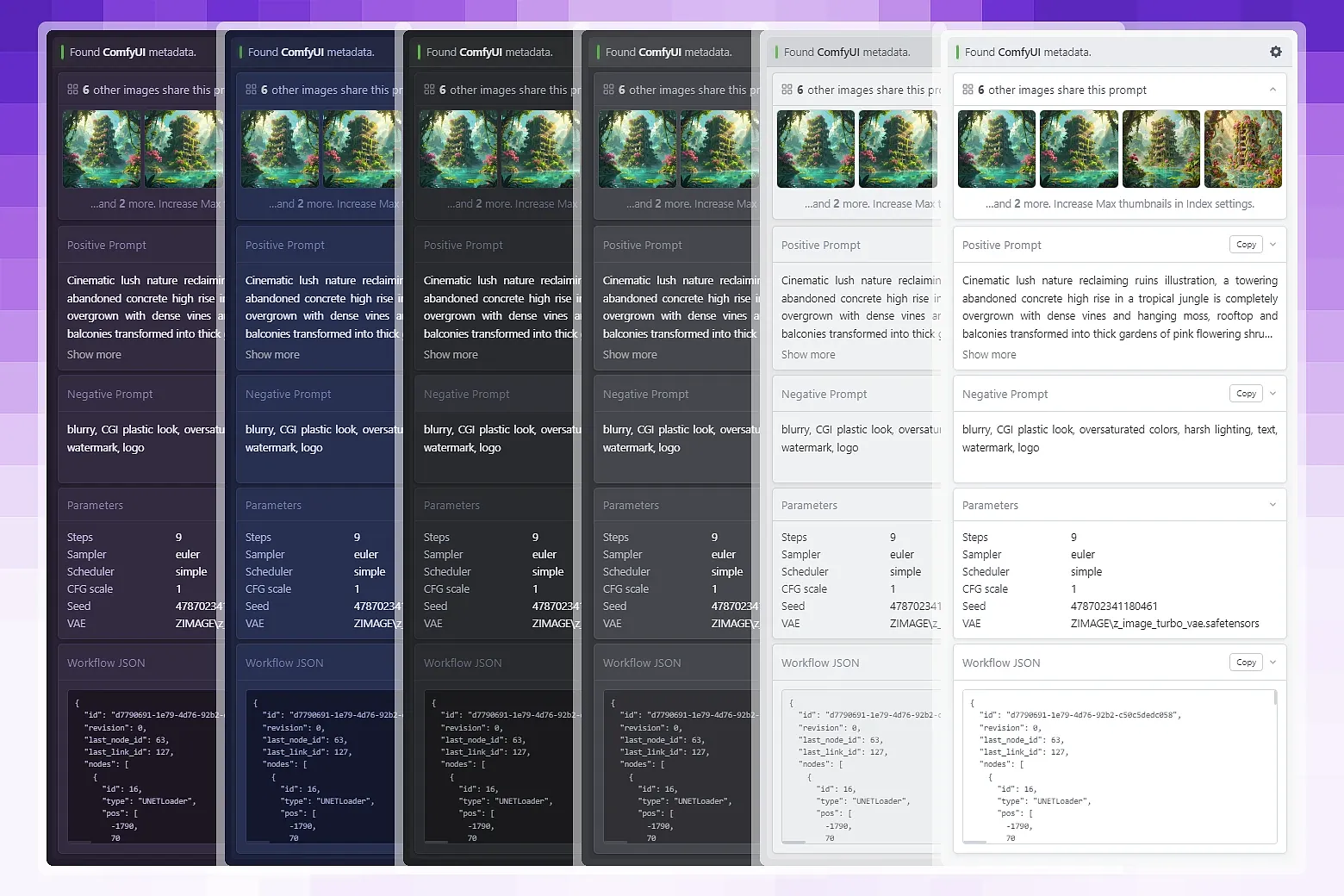
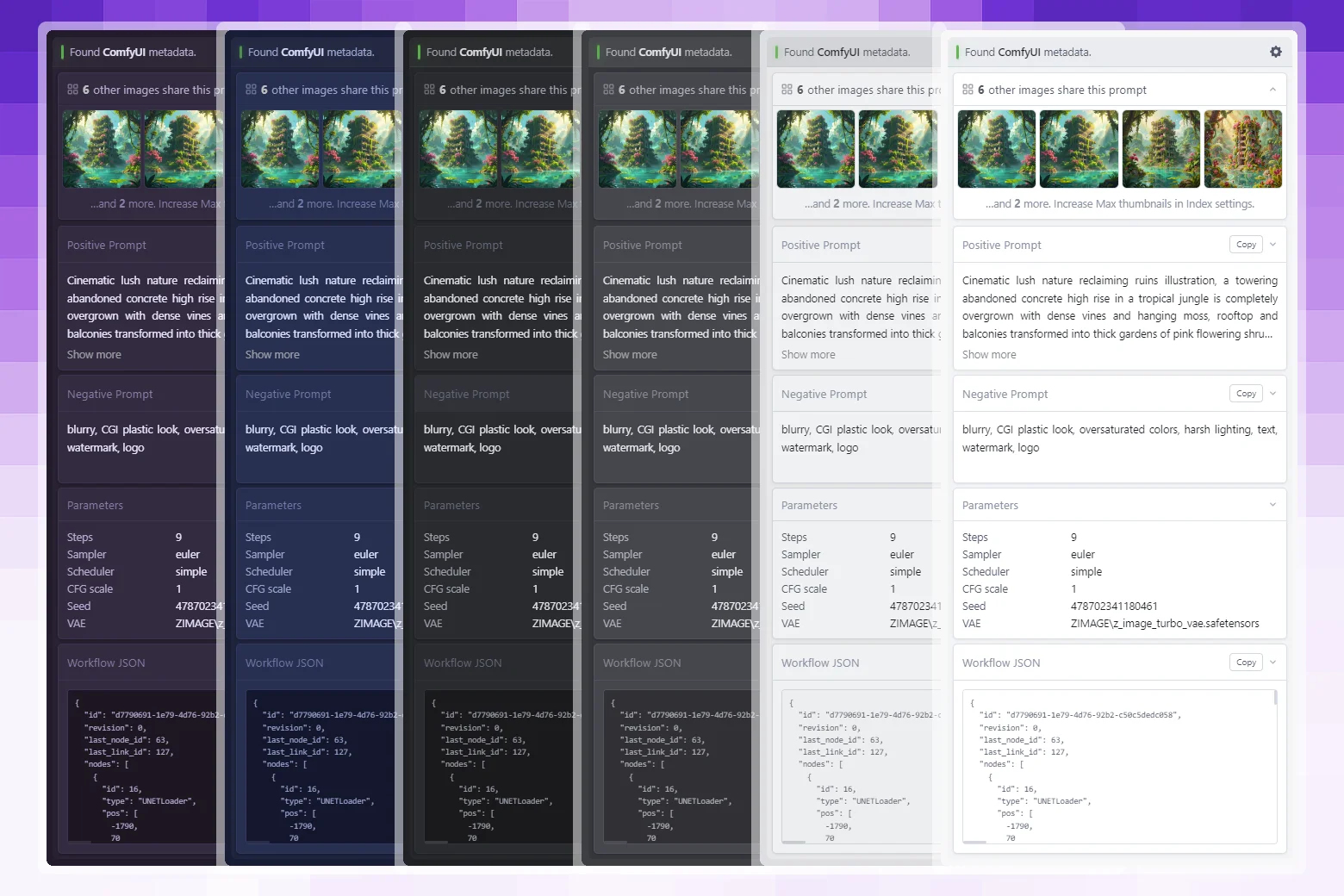
Metadata Inspector is an Eagle inspector panel plugin. Select any AI-generated image and the plugin instantly displays its embedded prompts, parameters, model names, LoRAs, and more - no internet connection required. It also indexes your full library in the background so you can see at a glance how many other images share the same prompt.
Features:
- Four generator formats - Automatic1111 / FORGE, ComfyUI, NovelAI, InvokeAI
- Prompt index - Background library scan enables instant "shared prompt" lookups without re-reading files
- Shared-prompt thumbnails - Collapsible card grid shows every other image that used the same positive prompt
- Configurable display - Drag to reorder sections and parameters; toggle each on or off individually
- Compact & appearance modes - Font size, text alignment, truncation lines, compact spacing, all adjustable
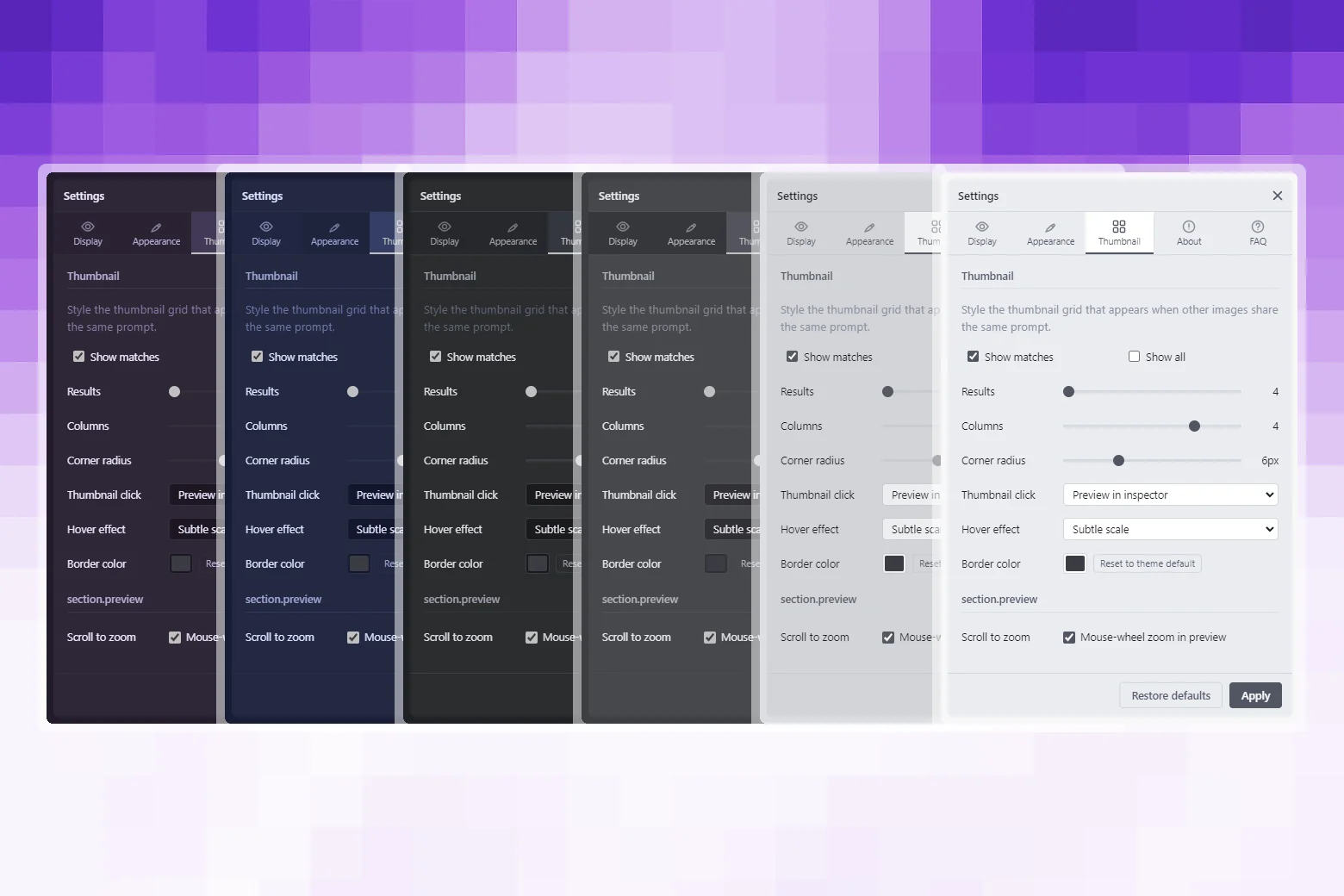
- Card styling - Corner radius, hover effect (8 options), custom border colour
- Copy buttons - One-click copy for positive and negative prompt text
- Fully offline - Zero network requests, all parsing happens locally
- Themeable - Adapts to all Eagle themes: Dark, Gray, LightGray, Light, Blue, Purple
- Persistent settings - All preferences survive Eagle restarts via `eagle.storage`
- 8 languages - English, German, Spanish, Japanese, Korean, Russian, Simplified Chinese, Traditional Chinese
Requirements:
- Eagle - 4.0.0 or later
- Platform - macOS · Windows
- Internet - Not required
Usage:
- Select any supported image in your Eagle library.
- The Metadata Inspector panel appears automatically in Eagle's Inspector sidebar.
- The panel displays the image's embedded prompts and parameters.
- Click any thumbnail in the shared-prompt card grid to jump to that image.
- Click ⚙ Settings in the panel header to adjust display and appearance options.
First run:
On first use the plugin builds a prompt index over your entire library in the background. This runs in batches of 40 images with small pauses between each batch to keep Eagle's UI responsive. Subsequent launches only re-index images added since the last run. You can rebuild or clear the index at any time from Settings → About → Prompt Index.
Tips:
- Truncate prompts collapses long prompt text to a set number of lines; click Show more on any prompt to expand it.
- Show matches in the Cards settings controls whether the shared-prompt thumbnail grid appears at all.
- Rebuild index re-scans your entire library. Use this if you've made bulk changes or the counts look wrong.
- Clear cache removes all stored index data. The index will be rebuilt fresh on the next launch.
Fixed settings panel height to auto-fit the active section without scrolling.
Fixed workflow JSON scrollbar corner rendering white in dark themes.
Fixed theme flash on plugin reload by caching the active theme and applying it before first paint.
Added image preview overlay with scroll-to-zoom, drag-to-pan, and double-click reset.
Added "Thumbnail click" setting - open preview in inspector or jump directly to library.
Fixed several inspector refresh and shared-thumbnail flicker issues for smoother browsing.
Fixed duplicate shared-prompt panels and stale match/index edge cases while switching images quickly.
Improved metadata parsing reliability for JPEG, EXIF, NovelAI, and ComfyUI edge cases.
Improved theme, localization, and settings robustness.
Improved responsiveness with async-first file access and smoother match rendering.
- Initial public release
You may also like