Chisel
Trim and edit videos directly within Eagle. Select a video, set trim points, and save back to your library.
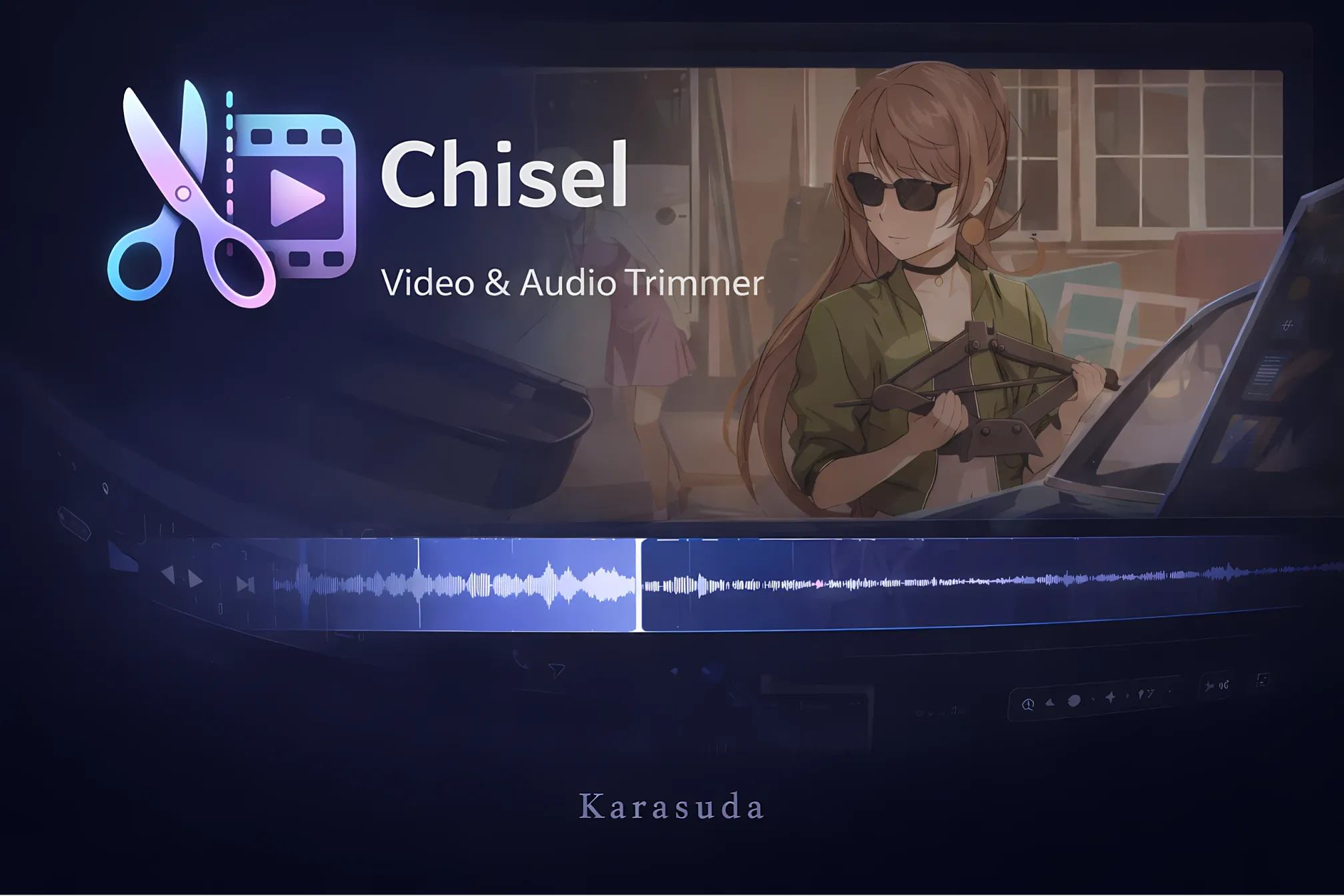
Chisel - Video Trimming Plugin for Eagle
Chisel is a powerful video editing plugin designed specifically for Eagle, the visual asset management application. It enables you to quickly trim, crop, and export video clips directly within your Eagle library without needing external software.
Features
Video Trimming
- Precise frame-by-frame control - Navigate through your video with arrow keys for frame-perfect trim points
- Visual timeline - Drag start and end markers to define your clip range
- Keyboard shortcuts - Use I/O keys to set in/out points quickly
- Frame skip mode - Jump multiple frames at once for faster navigation through long videos
Cropping
- Preset aspect ratios - Quickly crop to 16:9, 9:16, 4:3, 1:1, or custom dimensions
- Visual crop overlay - See exactly what will be included in your export
- Reset option - Instantly return to the original frame
Export Options
- Video trimming - Export trimmed clips in the original format
- GIF export - Convert video segments to animated GIFs
- Audio extraction - Pull audio tracks from videos as separate files
- Custom naming - Set custom filenames for exports
- Folder organization - Choose destination folders within your Eagle library
Workflow Features
- Auto-load - Automatically loads newly selected videos from Eagle (with smart detection to ignore freshly exported files)
- Keep thumbnail - Preserve the original video's thumbnail timestamp in trimmed exports
Theming
- Multiple themes - Choose from Dark, Blue, or Purple color schemes
- Auto theme detection - Automatically matches Eagle's current theme
- Manual override - Select your preferred theme regardless of Eagle's setting
User Experience
- Status notifications - Clear feedback for all operations
- Keyboard-friendly - Comprehensive keyboard shortcuts for power users
- Responsive design - Clean, modern interface that adapts to window size
Use Cases
- Reference clipping - Extract specific moments from reference videos for your projects
- Thumbnail creation - Trim videos to key moments for better library organization
- Social media prep - Crop videos to platform-specific aspect ratios (9:16 for TikTok/Reels, 1:1 for Instagram)
- GIF creation - Convert video highlights to shareable GIFs
- Audio sampling - Extract audio from video files for separate use
- Library cleanup - Trim unnecessary content from videos to save storage space
- Clips - Clip long videos into sections easily
Disclaimer
This plugin was developed with assistance from AI tools. While every effort has been made to ensure reliability and quality, bugs may exist.
Bug reports and suggestions are welcome.
Contact: [email protected]
v1.0.1
2026-02-06
- fixed GIF export failure
- added GIF editing support
You may also like