IES Format Extension
Preview .ies files, inspect photometric data, and visualize light distribution directly in Eagle. Analyze luminaire photometric data and generate realistic thumbnails from your Eagle library.
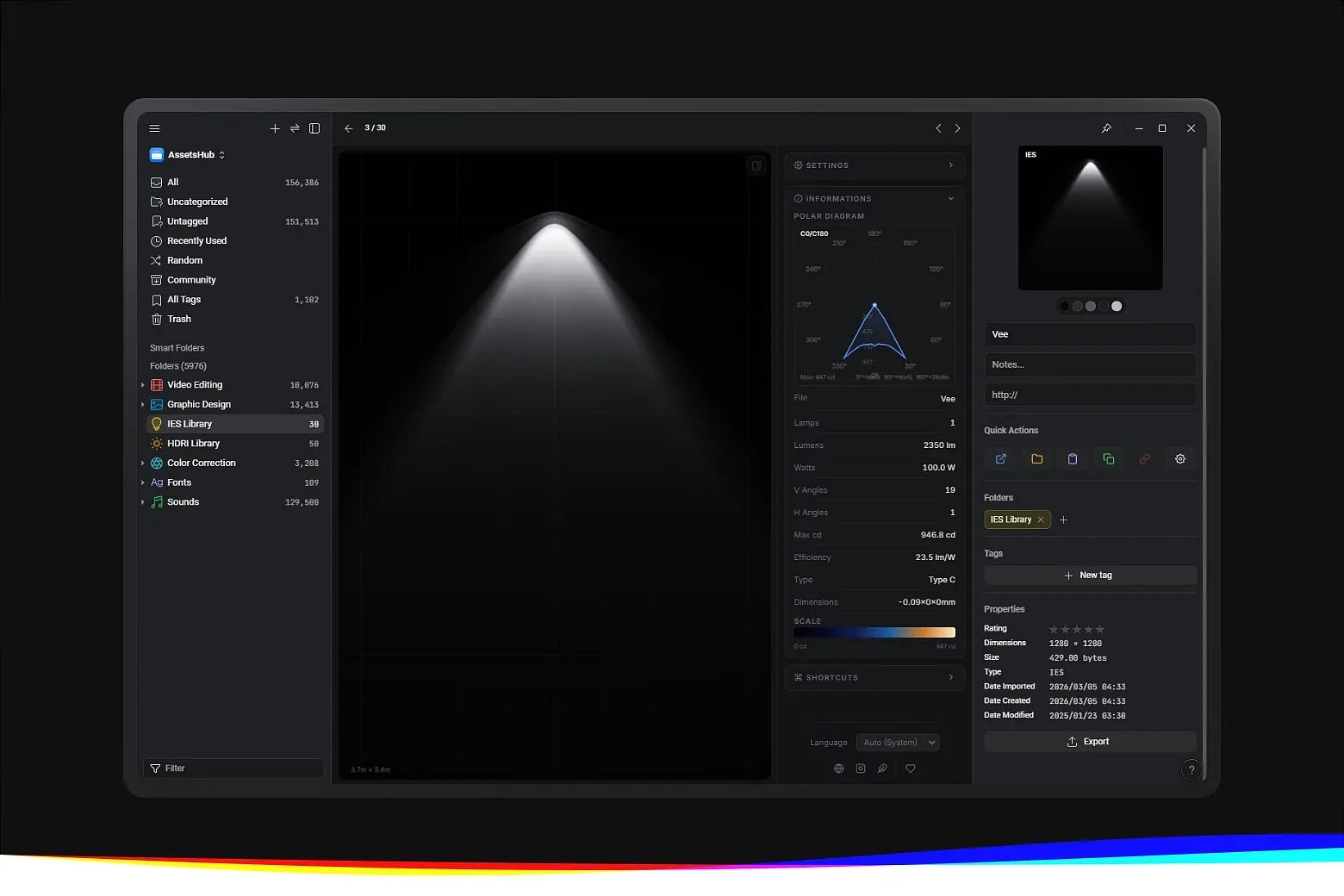
.ies files, visualizing photometric data and luminaire information, streamlining the workflow for designers, 3D artists, and lighting professionals.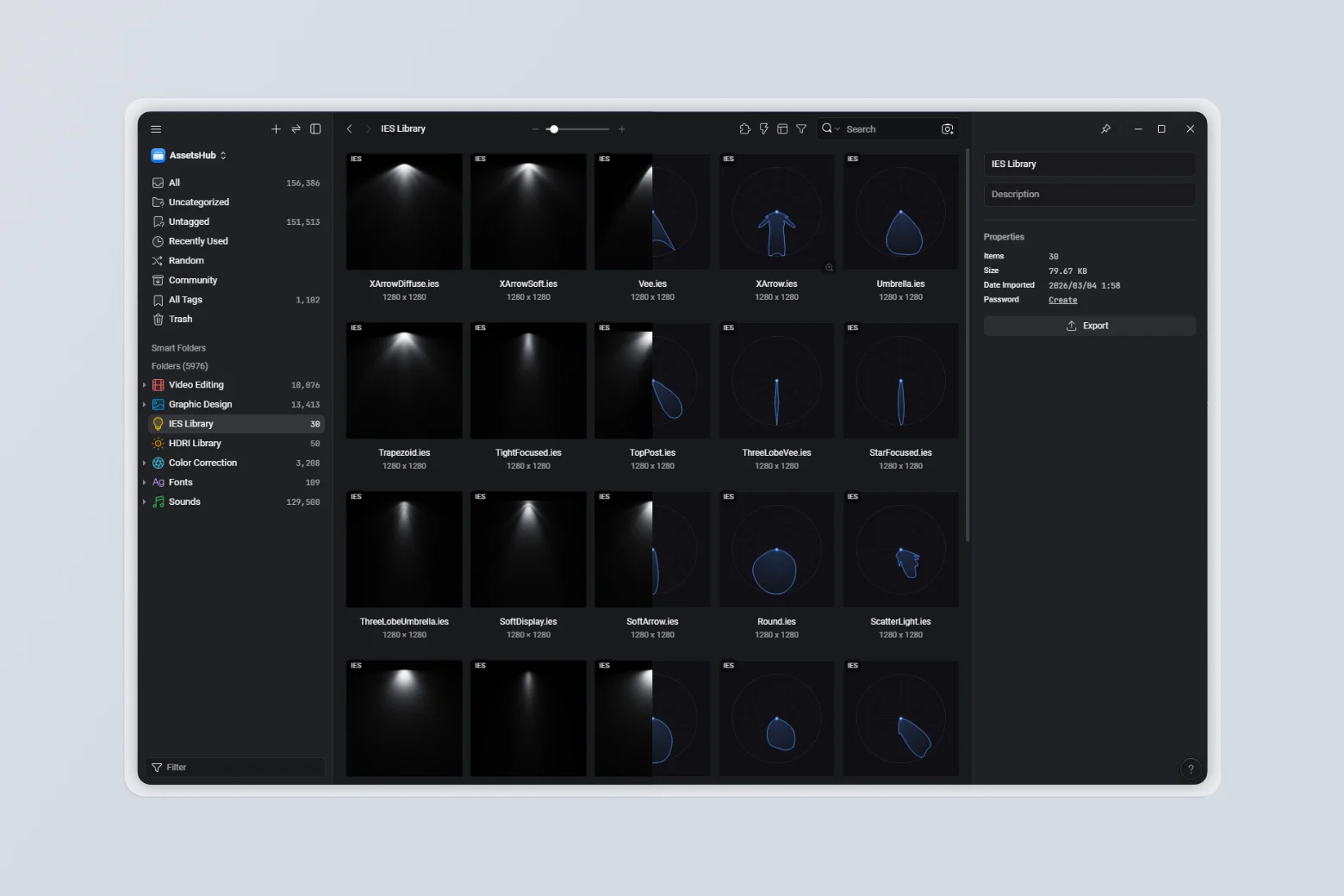
Key Features
-
Photometric Data Visualization – IES light distribution visualizations using selected candela planes, with options to adjust brightness, temperature, spread, quality, and isolines
-
Professional Lighting Support – Compatible with IES photometric files
-
Instant File Recognition – Automatically identifies and previews
.iesfiles in your library -
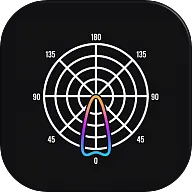
Interactive Polar Diagram – Visualize light intensity and distribution patterns, with customizable diagram and background colors
-
Realistic Thumbnail Generation – Create realistic thumbnails or polar diagrams directly in your library
-
Theme Matching Eagle – Adapts to Eagle’s selected theme for comfortable viewing
-
Quick Thumbnail Refresh – Configure your preferred view, right-click one or multiple items, go to More → Refresh Thumbnail, or use the standard shortcut
Ctrl + Alt + R -
Multi-language Support – Available in 13 languages
How It Works
-
Install the IES Format Extension in Eagle
-
Add your
.ieslighting files to your library -
Select any IES file to view its photometric data
-
Use the interactive polar diagram or generate realistic thumbnails, adjusting brightness, temperature, spread, quality, isolines, and diagram/background colors
-
To update thumbnails, configure your view, right-click one or more items, choose More → Refresh Thumbnail, or use
Ctrl + Alt + R
[Security] Safer IES File Loading - The viewer and thumbnail generator now verify that the source is a regular file and enforce the 20 MiB limit before loading it, preventing excessive memory use from oversized files.
[Improvement] Photometric Parser Safety Limits - Added strict file size, angle count, and candela matrix limits to maintain smooth performance and prevent resource overload.
[Fix] Malformed IES File Handling - Improved handling of corrupted or malformed .ies files that could previously freeze Eagle or exhaust system memory.
[Fix] Parser Data Validation - Strengthened token validation before matrix allocation and synchronized the hardened parser between the viewer and thumbnail generator.
[Add] Thumbnail Split Mode - Added a new Split thumbnail type that combines the realistic light preview on the left side with the polar diagram on the right side in a single unified composition.
[Improvement] Isolines Rendering - Reworked isoline visualization to better follow the beam distribution with smoother contour transitions and a more faithful intensity response.
- Initial preview release
You may also like