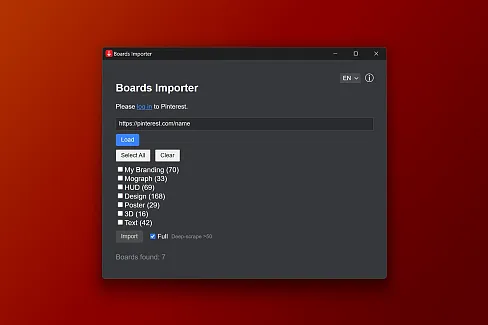
Fonts Downloader
Browse and preview Google Fonts, then import font files into your Eagle library.
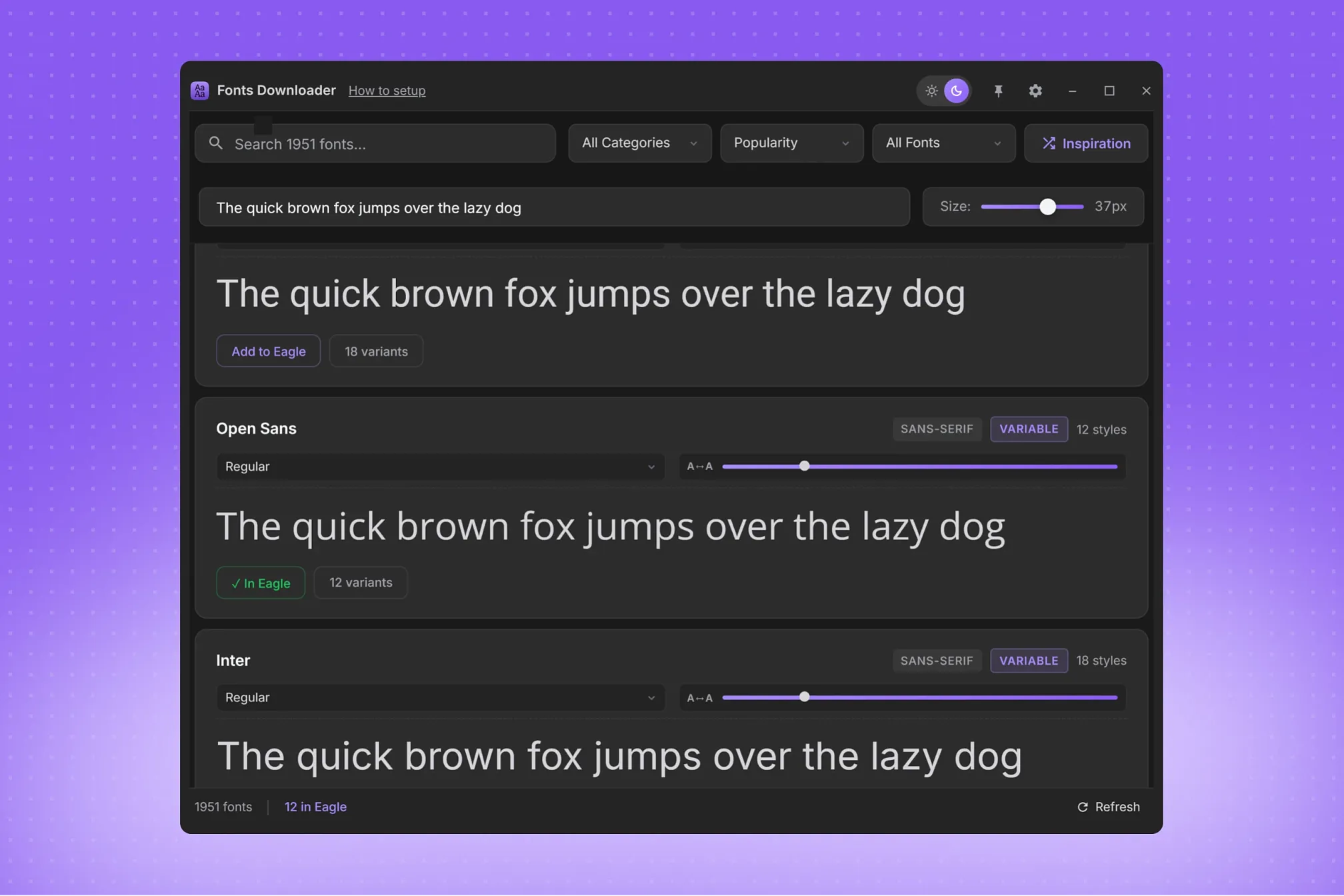
Fonts Downloader lets you browse the Google Fonts catalog, preview typefaces with custom text and sizes, and download font files directly into your Eagle library.
Key Features:
• Search by family name and filter by category, static or variable type, and import status tracked by this plugin.
• Preview fonts in real time with custom text and size, and switch between available weights and styles.
• Sort by popularity, name, recent updates, or number of styles, or shuffle the current results with Inspiration.
• Organize imported fonts under "Fonts Downloader / Font Family" folders; variable families prefer a variable font file when available.
How to Use:
1. Enter a free Google Fonts API key in the setup guide.
2. Search or filter the catalog and use the preview to choose a font.
3. Click download; the plugin imports the font file into your Eagle library.
Important Information & Network Disclosure:
The plugin imports fonts into Eagle; it does not activate them in your operating system or other applications. It requires network connections to Google services. Catalog and metadata requests are sent to Google, with the API key transmitted as a query parameter. Preview and download requests send the requested font family to Google.
Local Storage:
• Settings (including the API key), catalog cache, and diagnostic logs are stored in ~/.eagle-fonts/.
• Download status and cached font files are stored in ~/.eagle-google-fonts/.
error fixed
You may also like