Swatch Book
Swatch Book scans library images, extracts full color palettes, and displays them directly in Eagle's inspector panel with a persistent local cache.
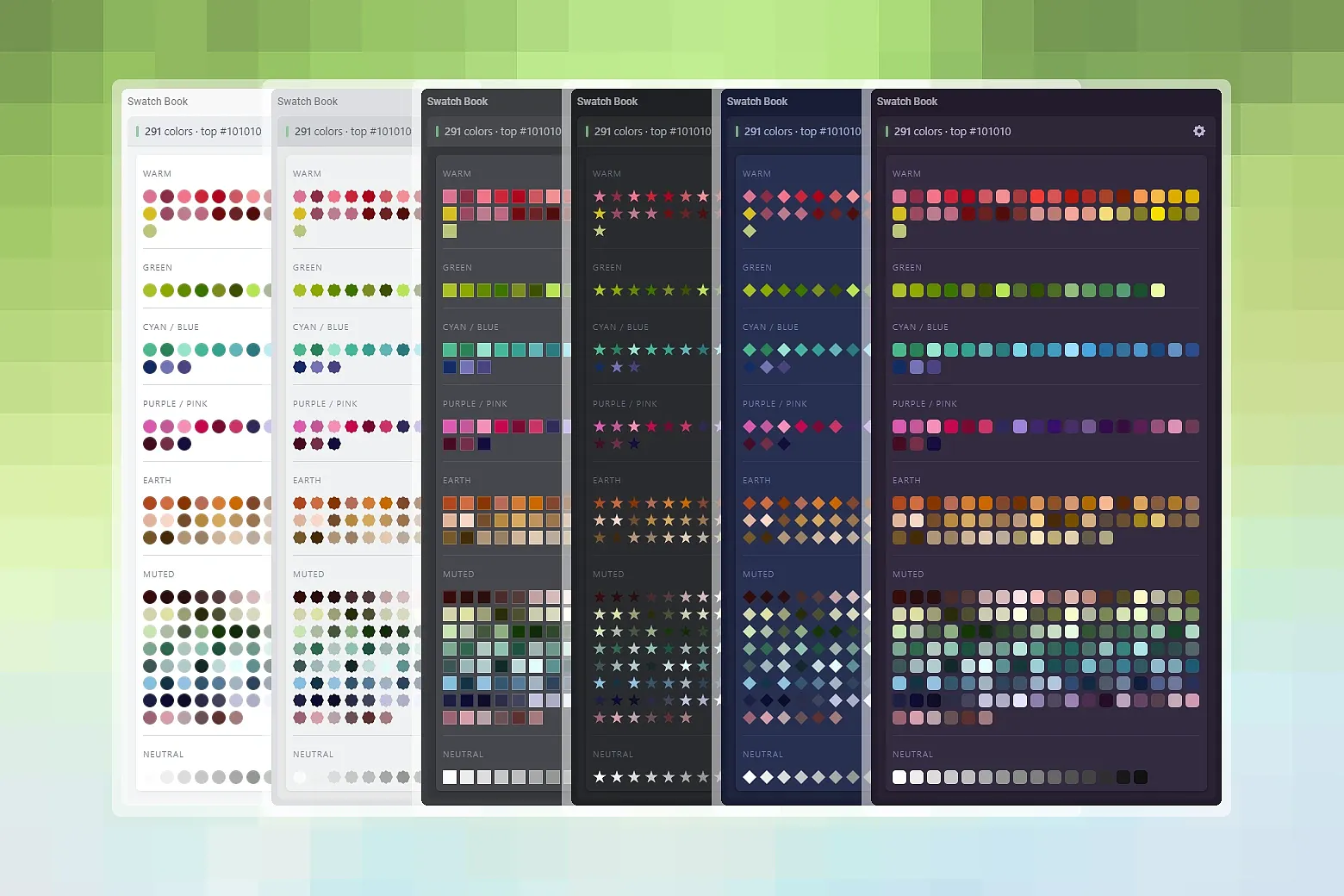
Swatch Book is an Eagle inspector plugin that reads your entire library and turns it into a living color palette. Click any swatch to find images that shares that hue.
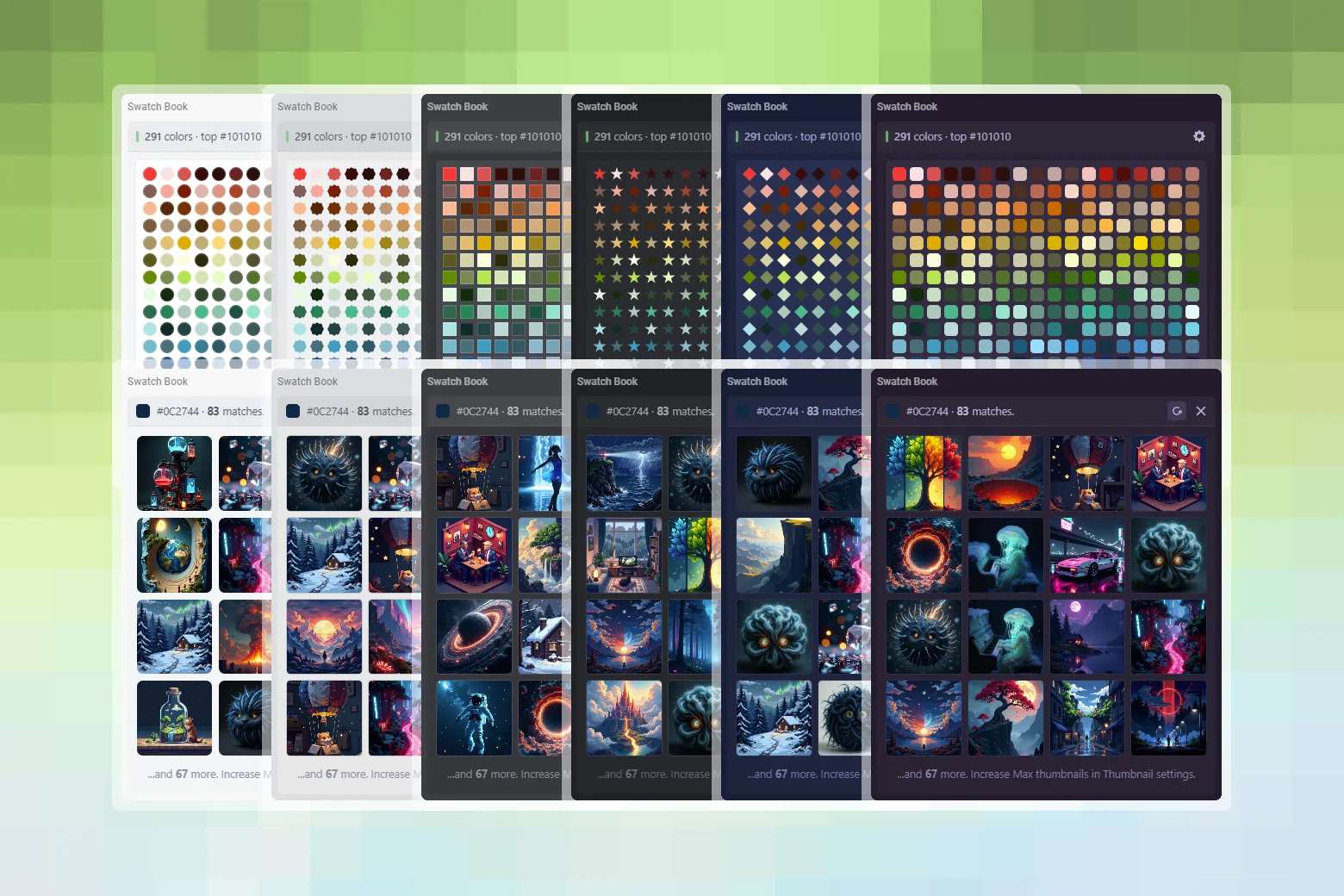
For the selected image, Swatch Book extracts a clean palette and displays it as a strip of color swatches directly in the inspector panel. In the background it quietly indexes your whole library, so when you click a swatch, you get a visual grid of every image that contains that color family.
Features:
- Per-image palette extraction with HEX values
- Fully offline - no network requests, no telemetry
- Full-library color index with perceptual HSL clustering
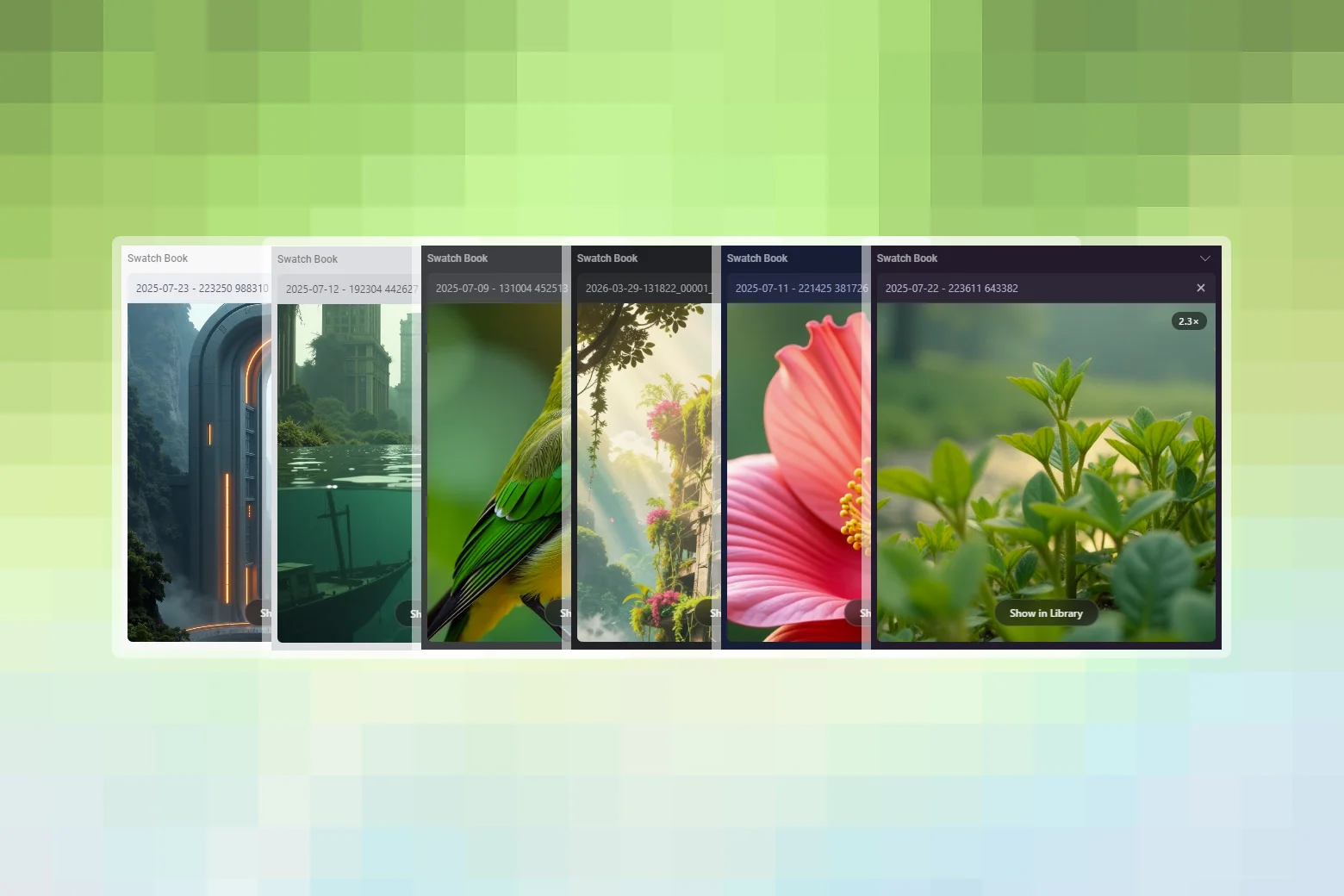
- Scroll-to-zoom preview - Mouse-wheel zoom with pan and double-click reset
- Multi-color image assignment - one image, multiple swatches
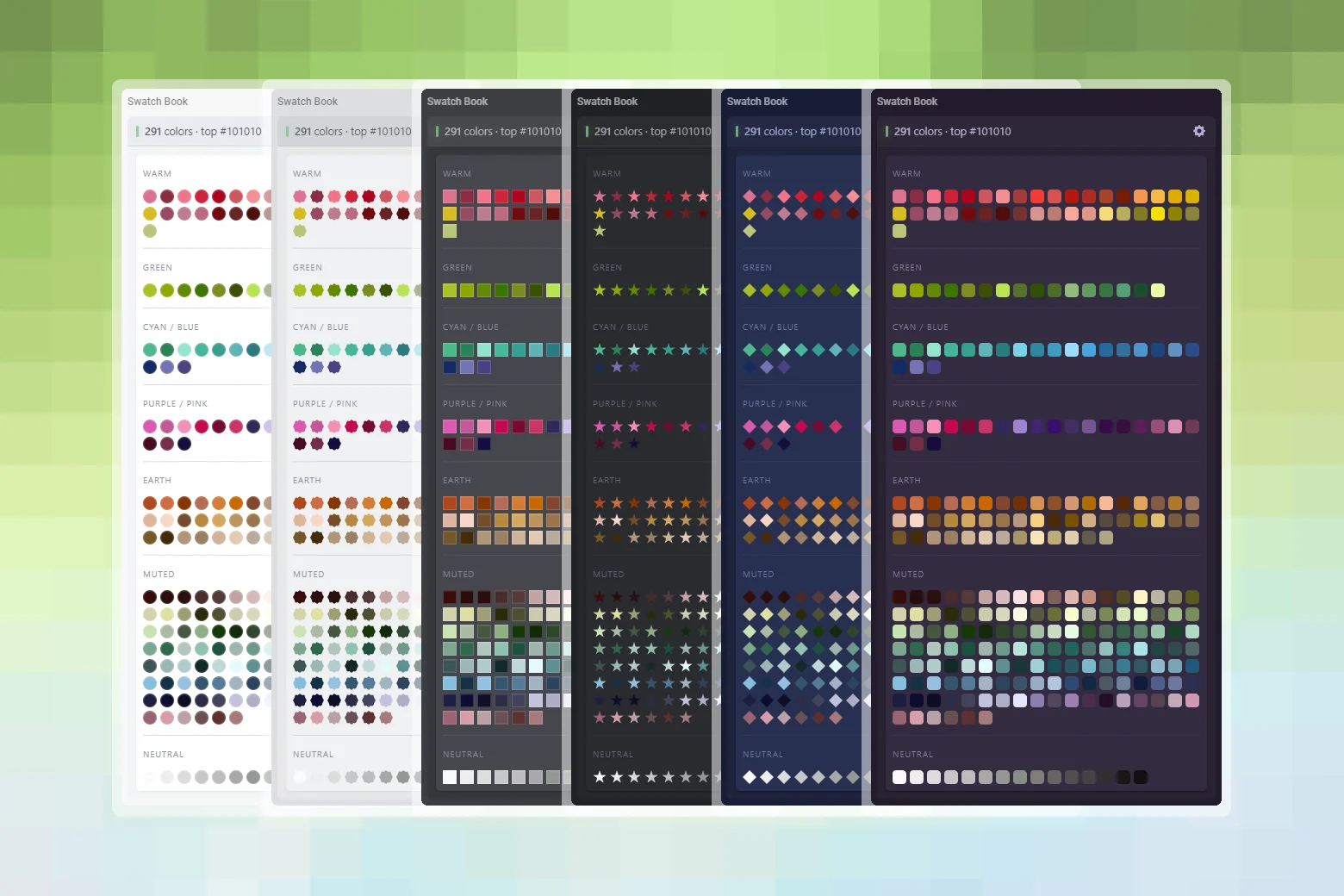
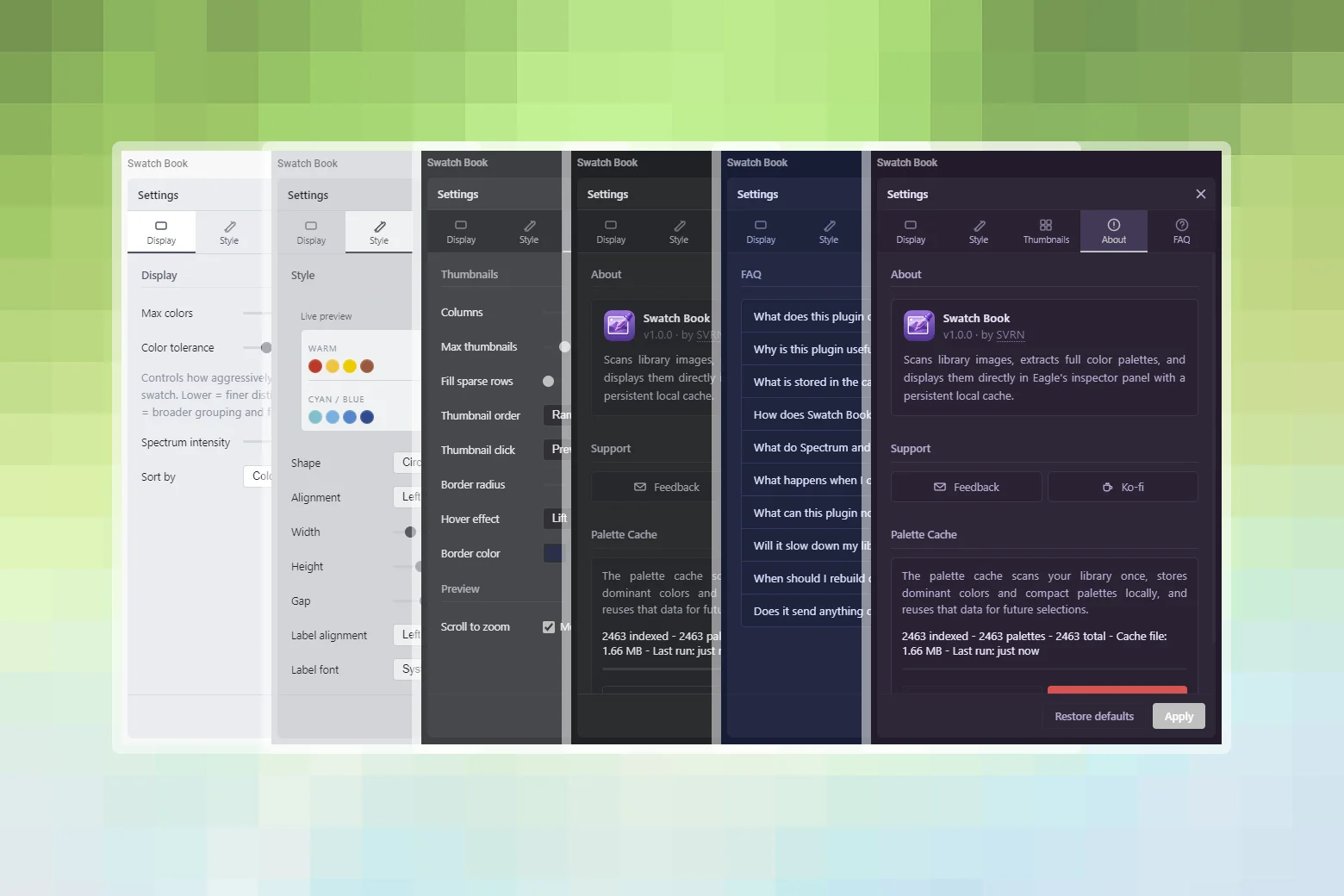
- Highly configurable - Swatch shapes, size, gap, labels, and more
- Themeable - Adapts to all Eagle themes: Dark, Gray, LightGray, Light, Blue, Purple
- 8 languages - English, German, Spanish, Japanese, Korean, Russian, Simplified Chinese, Traditional Chinese
Requirements:
- Eagle - 4.0.0 or later
- Platform - macOS · Windows
Usage:
- The panel appears automatically in Eagle's Inspector sidebar.
- The panel scans your library and displays matching images with similarity scores.
- Click any swatch to get a visual grid of every image that contains that color family.
- Click on an image to open a preview with a scroll-to-zoom function.
- Click ⚙ Settings in the panel header to adjust display, style and thumbnail options.
First run:
The first full scan can take a while on larger libraries because every image needs to be analyzed once. After that, browsing is much faster because the plugin reuses the local cache instead of recalculating colors every time.
Tips:
- After installing or updating, clear the cache and rebuild the index once from the settings panel to get accurate results.
- Raise the grouping tolerance if you're seeing too many near-identical green or blue swatches.
- The count on each swatch reflects how many images contain that color family, an image can count toward more than one swatch.
Initial public release.
You may also like