Tagia
Batch-generate local AI tags for images currently selected in Eagle, with multiple models and CPU, GPU, or Auto mode.
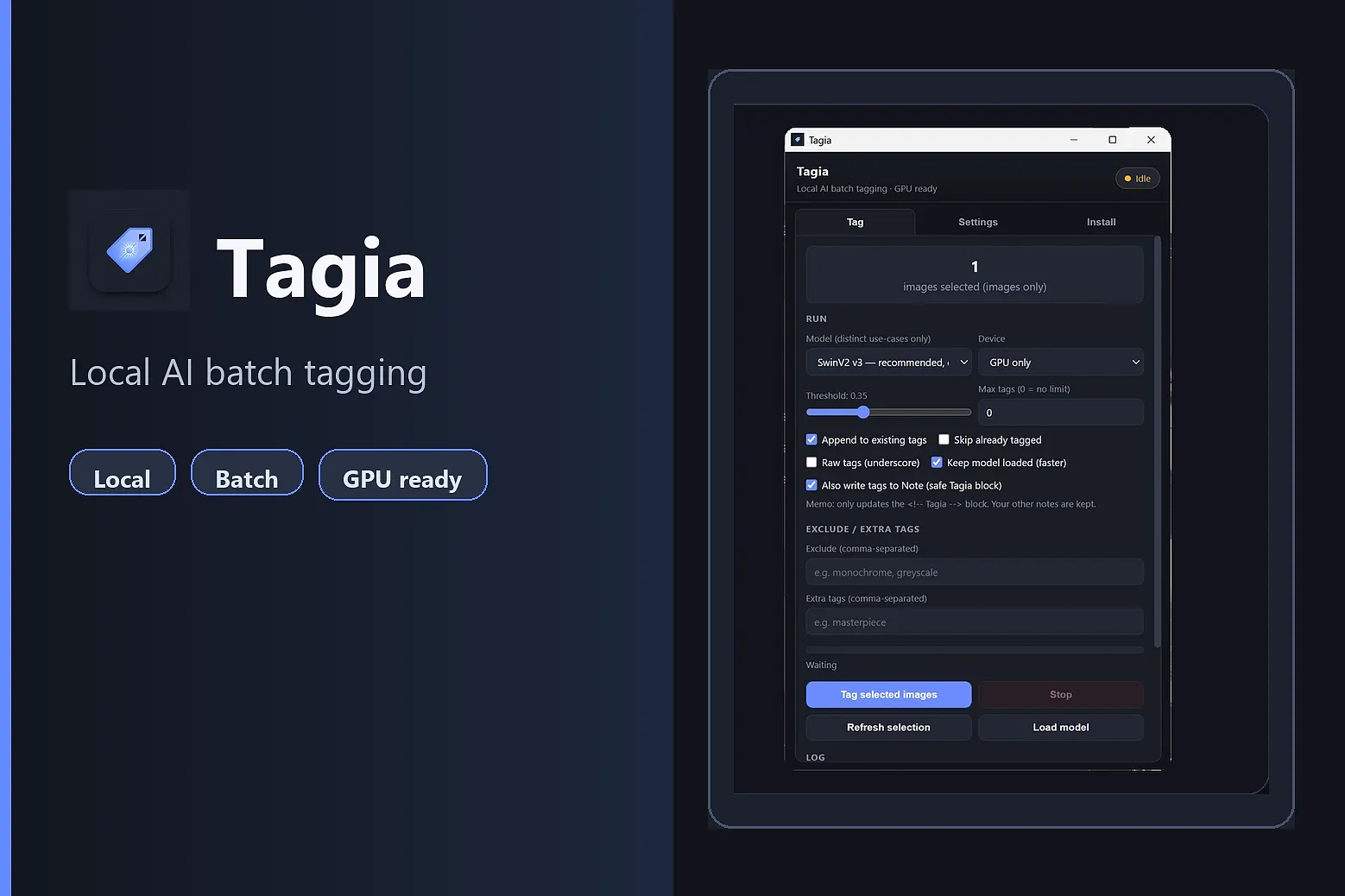
Tagia is a local AI batch image-tagging plugin that processes the images currently selected in Eagle.
• Choose a model and CPU, GPU, or Auto mode to generate tags in batches. GPU is optional; CPU and Auto support the core workflow.
• Append generated tags to existing tags or replace them, and optionally keep the model loaded between consecutive batches.
• When writing to Note, update only the Tagia block while preserving all other note content.
Installation and network requirements: Complete setup and the core workflow require Windows x86_64 and CPython 3.10. Core setup connects to PyPI to download and install hash-locked Python dependencies. If no usable CPython 3.10 installation is found, Tagia asks for separate confirmation before installing system Python 3.10.11 through winget or the official python.org installer. This Python installation is not removed when Tagia is uninstalled.
The first time a selected model is used, Tagia downloads fixed-revision model files from Hugging Face Hub, verifies their SHA-256 hashes, and stores them in the shared cache. Image inference then runs locally.
Uninstall behavior: Uninstalling removes only engine directories carrying Tagia's ownership marker. The shared Hugging Face model cache, system Python installations, and user-managed engines are retained.
Redesigned the icon in Figma with reference to the official Eagle plugin icon template.
Improved padding, contrast, and small-size legibility with a clear blue tag and simplified AI sparkle.
You may also like