240+ App Store Screenshot Examples Across 14 Categories
240+ App Store Screenshot Examples, Plus Preview Videos
 Edit
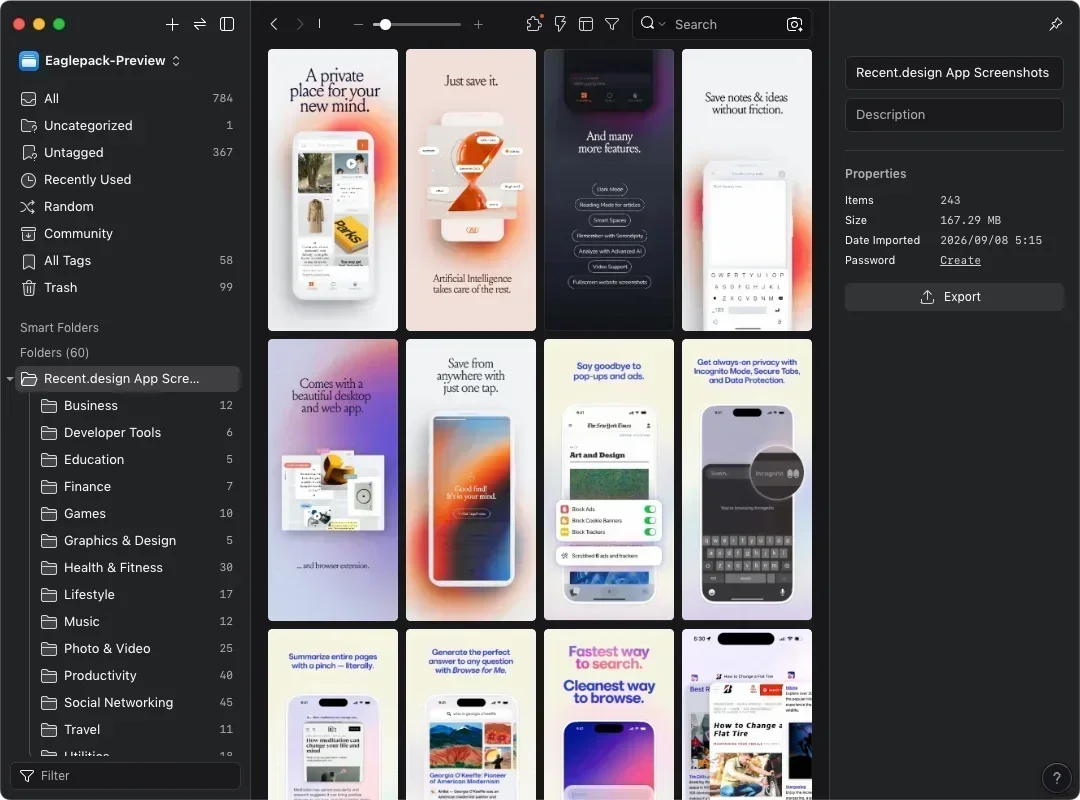
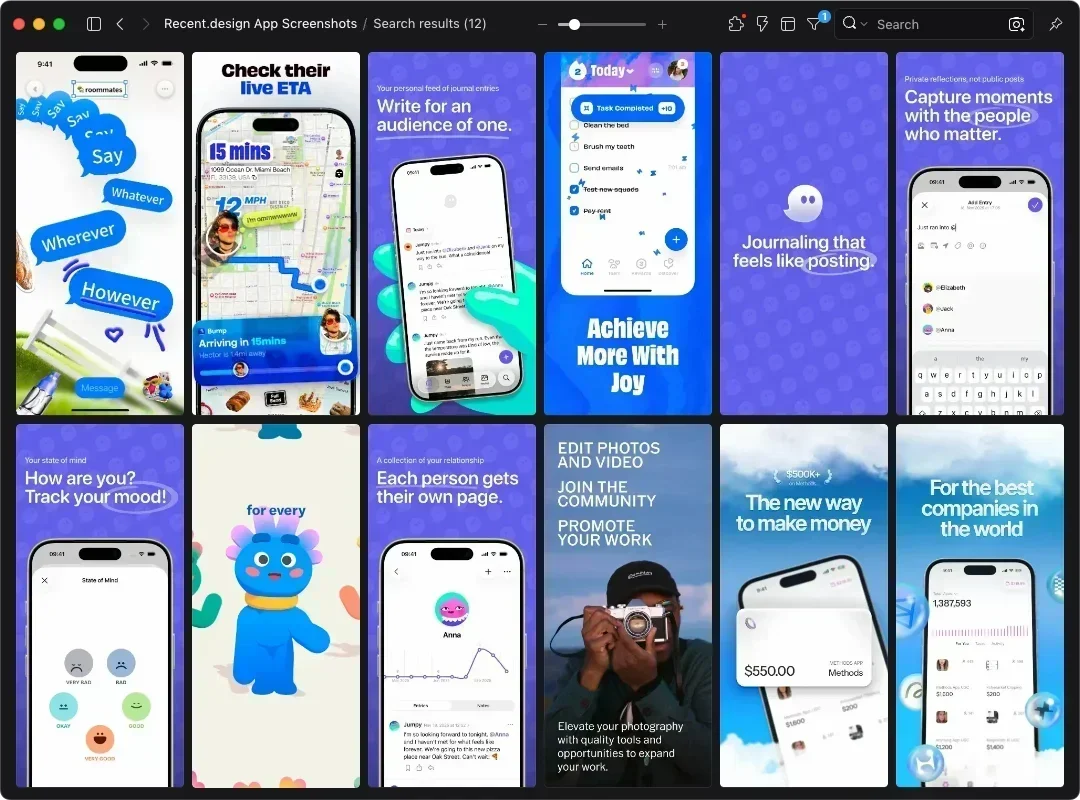
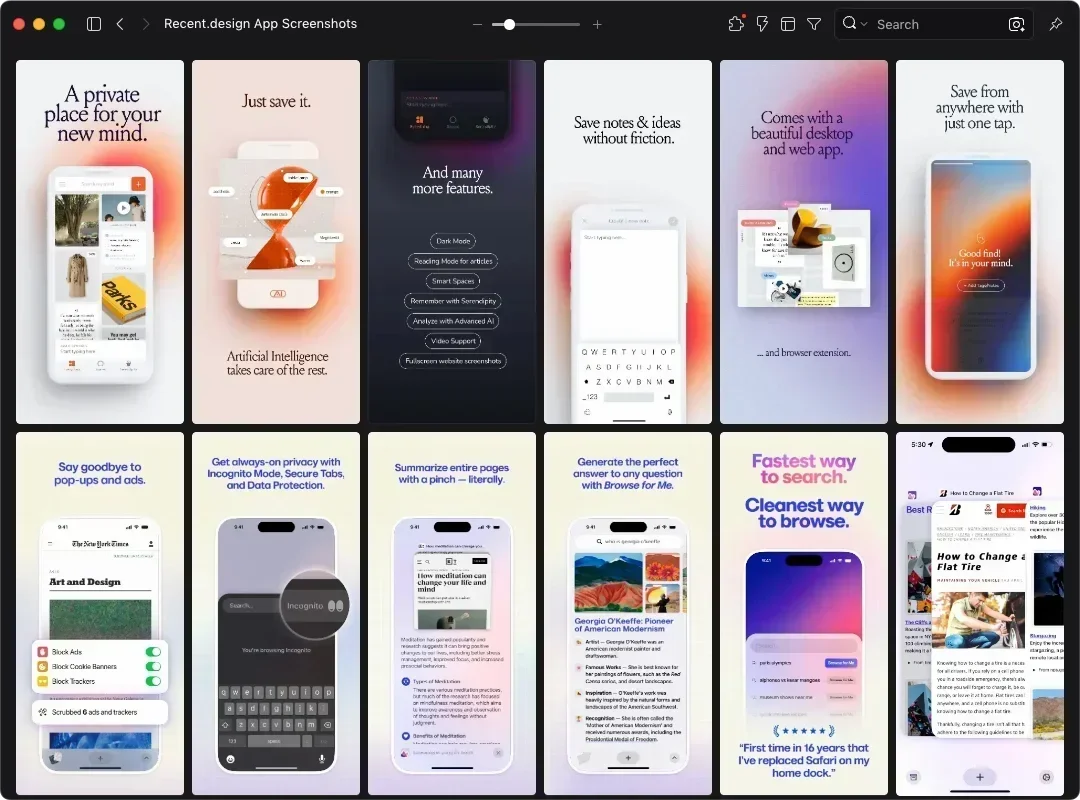
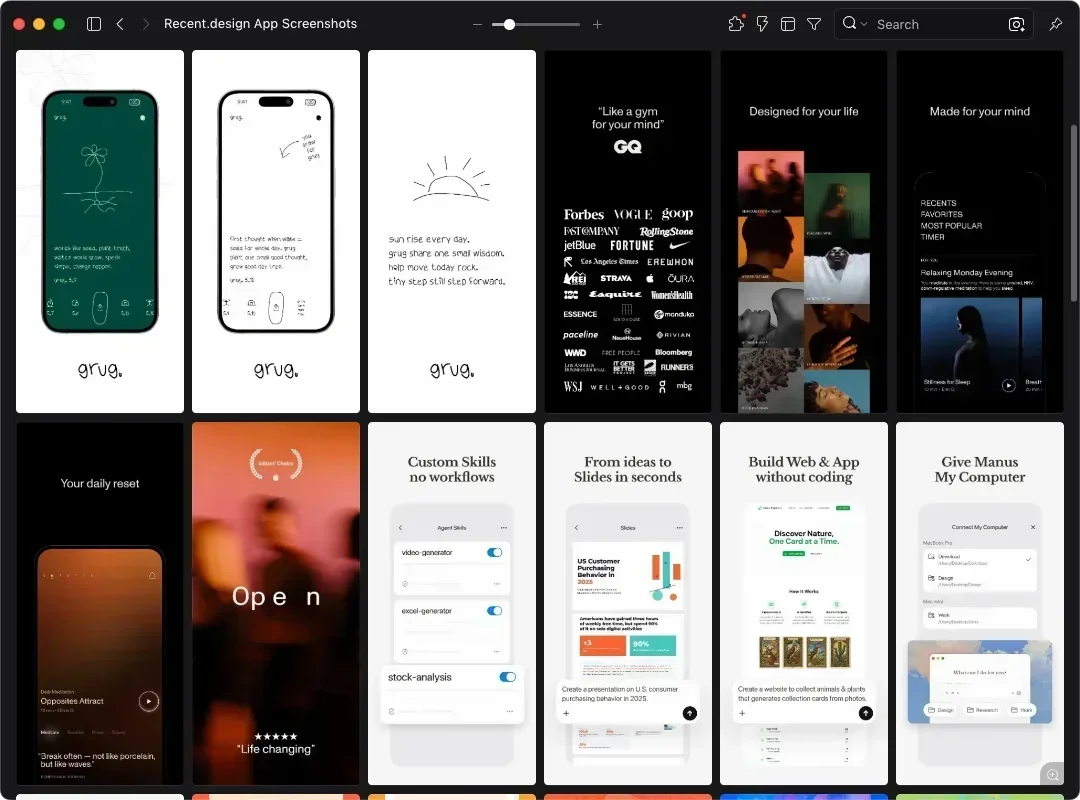
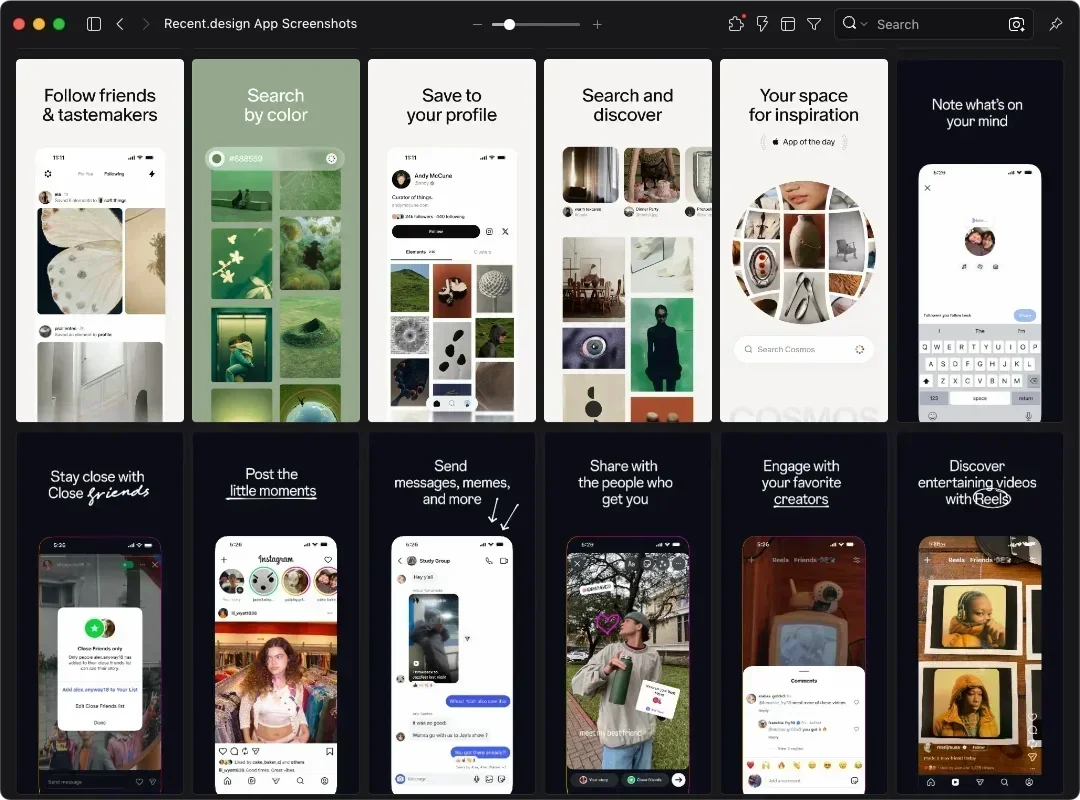
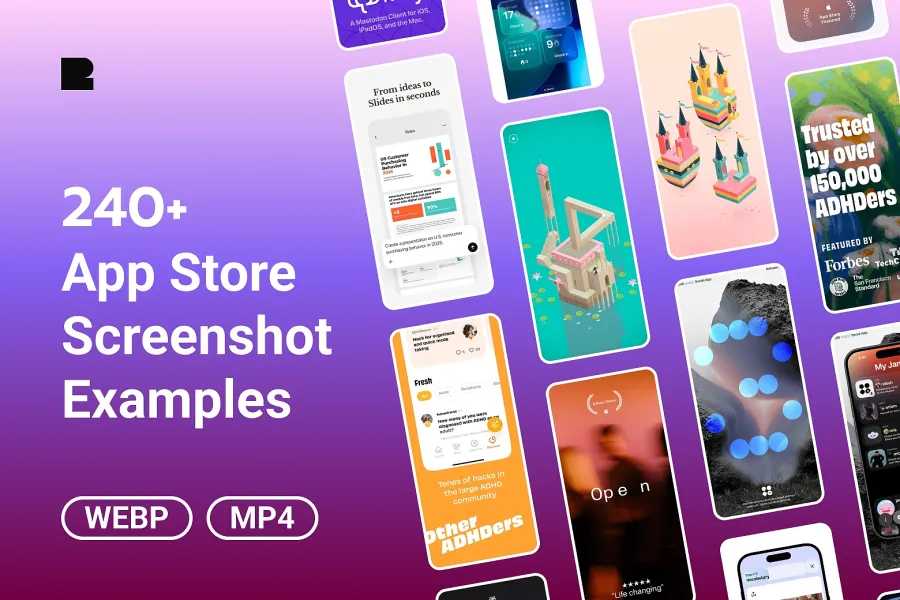
Edit243 App Store screenshots from live apps, some with preview videos, sorted into 14 categories. Compare captions and layouts side by side in Eagle. Reference only.

240+ App Store Screenshot Examples, Plus Preview Videos
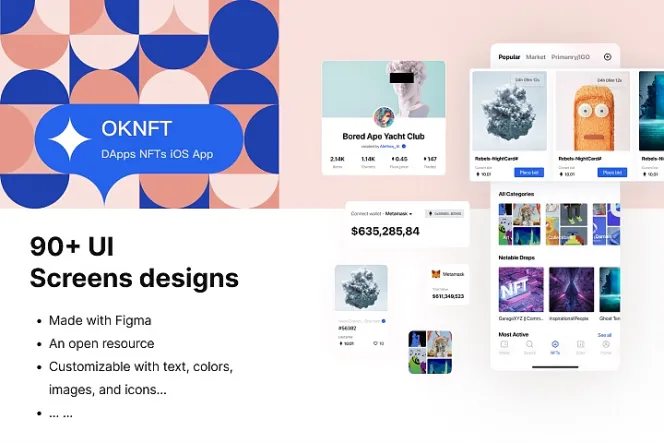
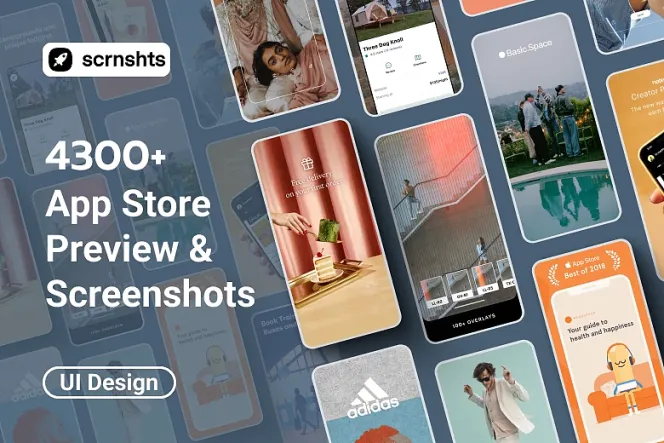
This eaglepack brings together 243 App Store screenshots from Recent, all from apps currently on the App Store. Some include app preview videos, and everything is sorted into folders by 14 App Store categories. For design reference only. These are the promotional images on an App Store listing, the ones that explain features and drive downloads. In-app UI screens like the ones on Mobbin are a separate thing.
Once your app is built, you still need a handful of screenshots that explain what it does. Your captions, whether you use device frames, and whether the screenshots run together as one long panorama all shape the first impression when someone opens your listing. This pack puts 243 live examples in one place, so you can see how other apps order their screenshots and write their captions.
Background
Recent is a design curation site covering websites, OG images, app icons, and App Store screenshots. Featured apps include Monument Valley, Flighty, and Perplexity. The App Store Screenshots section follows the App Store's own categories, 14 in total.
Key Features
- Pulled from apps live on the App Store, with real captions and screenshot order
- Sorted into 14 App Store categories, from Games and Finance to Developer Tools
- Some include App Preview videos, so you can see how video and stills split the work
Can You Use These Screenshots Commercially?
No. These 243 screenshots and videos are for design reference only, and copyright belongs to each app's developer. You can't use them directly or modify them for your own projects. What you can borrow is the approach. Look at how a budgeting app pairs one caption with one feature screen, then plan your own screenshots with a similar rhythm.
What Are These Screenshots Best Used For?
Screenshots are WebP files and preview videos are MP4. Once imported into Eagle, you can browse and compare them right away.
- Before launch, check whether apps in your category lead with a core feature or a brand visual
- When writing captions, see how similar apps explain a feature in one line
- During a redesign or ASO (App Store Optimization) work, put your current screenshots next to examples from the same category to spot gaps in information density or visual style
Behind these screenshots is a core marketing skill: deciding which selling point comes first, finding one line that explains each one, and ordering the set so it reads as a complete pitch. Instagram carousels, launch ads on social media, and the feature sections of a landing page work the same way. That makes these examples useful beyond app launches, as a reference for ordering selling points and writing captions.